
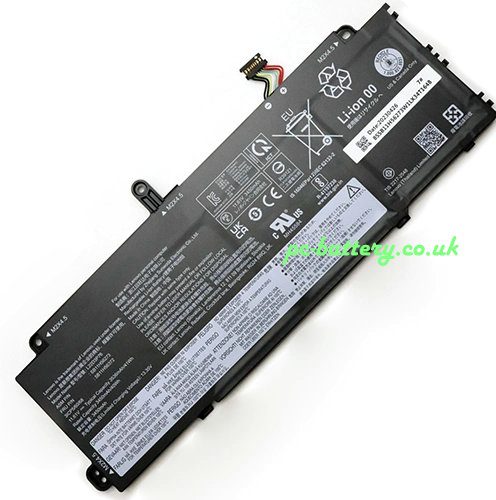
Replacement new Battery for Lenovo L22M3P76 41 Wh 11.61V
- 41.79GBP 62.65GBP
- replacement new + 1 years warranty + 30 day money back!
-
Availability : In stock
Voltage : 11.61V
Capacity : 41 Wh
Product Type : Li-ion Battery
Condition : replacement new

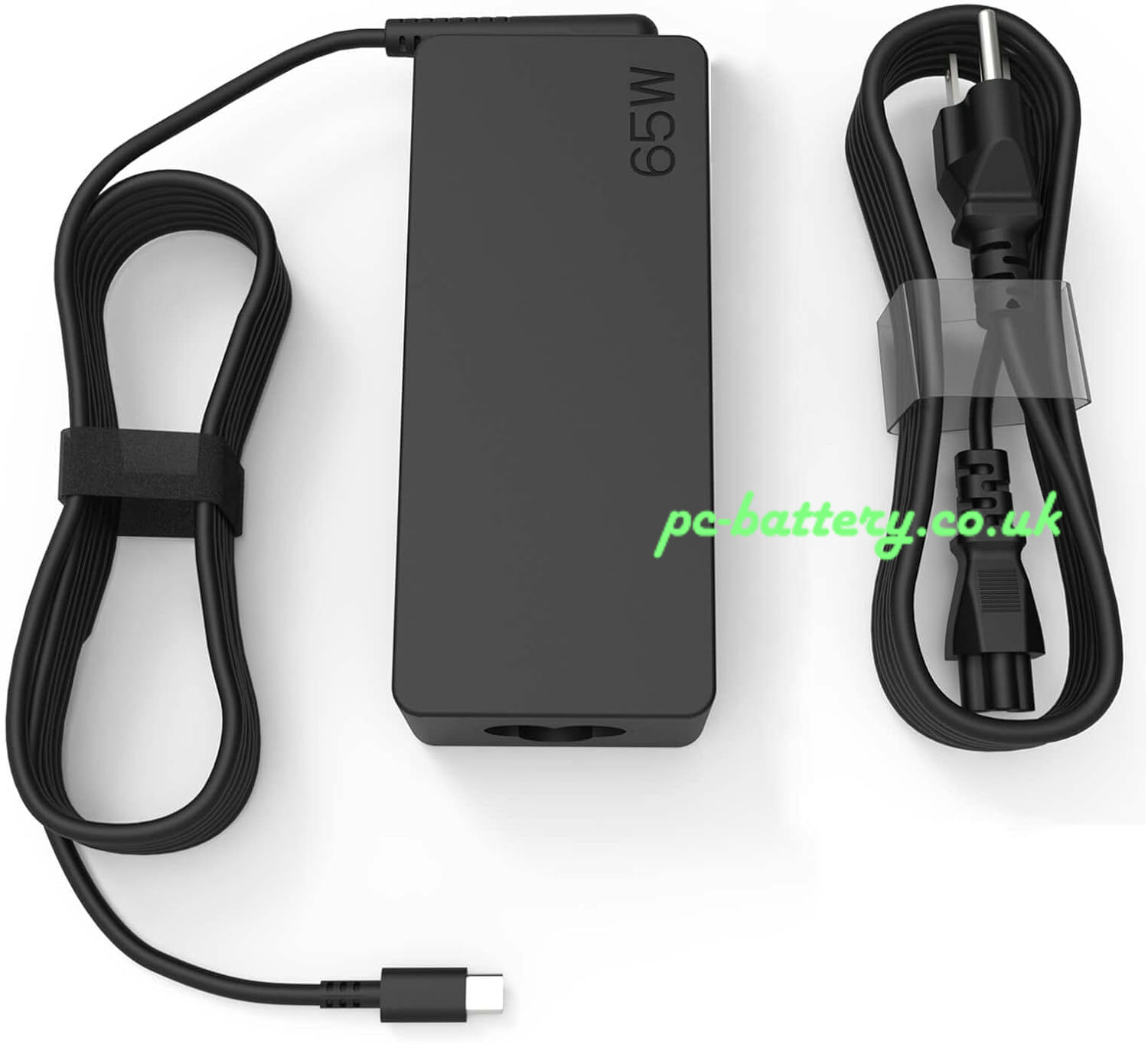
Ac Adapter Charger for Lenovo L22M3P76
- 27.69GBP47.6GBP
- NEW AC DC L22M3P76 Adapter Laptop Charger Compatible Replacement For Lenovo Thinkpad Laptop PC Power Supply.
-
Availability : In stock
Description
| Replacement for Lenovo L22M3P76 Battery rechargeable specifications | |
| Availability: | In stock |
| Battery Type: | Li-ion |
| Capacity: | 41 Wh |
| Voltage: | 11.61V |
| Color: | Black |
The Perfect battery for Lenovo L22M3P76 41 Wh 11.61V
High-quality Techie Lenovo L22M3P76 battery
If your current battery is not working or it is dead due to a charging issue, backup issue, or any other issues, no worry replace it with the Techie laptop battery for Lenovo L22M3P76.
What are the basic maintenance tips to make your Lenovo battery last?
Avoid overheating your Lenovo L22M3P76 battery
We advise you not to use your laptop on your lap or on a flat surface. This prevents your device from cooling down.
It is also strongly advised not to constantly recharge your battery to keep it at 100%. It is better to wait until your battery is discharged to less than 50% to put it back on charge.
For some older laptop models, it is necessary to unplug your power charger once your battery has been charged. This helps prevent possible overheating of your Lenovo L22M3P76 battery. Today, more and more laptops manage the battery charge correctly: it is no longer essential for you to perform this manipulation.
Store your laptop without its L22M3P76 battery
We do not recommend that you store your laptop with a completely discharged battery (even for a few days).
A Lenovo L22M3P76 battery wears out even when not in use! The most drastic solution to save the battery, is to unplug it when your laptop is used with the AC adapter. In this case, store your battery in a cool, dry place. The battery should be charged and used once a week.
Optimizing Your Laptop's Components
If your laptop has an LCD screen, the first action to take is to optimize its charge by lowering the brightness of your screen. Remember: the brighter it is, the more it consumes. In the same way, the elements related to the graphic display are the most energy-intensive. To play online or watch a DVD film, it is recommended to connect your laptop to the mains socket.
For the UK customers,it will take 6-10 business days by Royalmail or Hermesworld;Payment by PayPal(our paypal account :service.order@outlook.com),
12-hour online service & email (Order@pc-battery.co.uk)response within 24 hours
,Guaranteed 1 year warranty,all our products come with an unconditional 60-day money-back guarantee.100% replacement manufacturer compatible.
.If your have any questions about the Replacement laptop battery, please directly Contact Us(Order@pc-battery.co.uk). We will reply within 24 hours.
Fit Machine Models:
- Lenovo ThinkPad X13 Gen 4
Compatible with numbers:
- Lenovo 5B11H56372
- Lenovo L22B3P76
- Lenovo L22C3P76
- Lenovo L22D3P76
- Lenovo L22L3P76
- Lenovo L22M3P76
- Lenovo SB11H56273
